> ## Documentation Index
> Fetch the complete documentation index at: https://docs.mcp-b.ai/llms.txt
> Use this file to discover all available pages before exploring further.
# Connect Desktop Agents with the Local Relay
> Expose website WebMCP tools to Claude, Cursor, Windsurf, and other desktop MCP clients through a local relay server.
This guide shows you how to bridge WebMCP tools from browser tabs to desktop AI agents using `@mcp-b/webmcp-local-relay`.
```text theme={null}
Browser Tab Local Machine
┌──────────────────────┐ ┌──────────────────────┐
│ │ WebSocket │ │
│ Website with ├────────────▶ webmcp-local-relay │
│ WebMCP tools │ localhost │ (MCP server) │
│ │ │ │
└──────────────────────┘ └──────────┬───────────┘
│
stdio │ JSON-RPC
│
┌──────────▼───────────┐
│ │
│ Claude / Cursor / │
│ any MCP client │
│ │
└──────────────────────┘
```
## Configure your MCP client
Add the relay server to your MCP client configuration. This works with Claude Desktop, Cursor, Windsurf, Claude Code, or any client that speaks MCP over stdio.
```json "claude_desktop_config.json" theme={null}
{
"mcpServers": {
"webmcp-local-relay": {
"command": "npx",
"args": ["-y", "@mcp-b/webmcp-local-relay@latest"]
}
}
}
```
```bash "Claude Code" theme={null}
claude mcp add webmcp-local-relay npx @mcp-b/webmcp-local-relay@latest
```
For Claude Desktop, you can also download the `.mcpb` bundle from [GitHub
Releases](https://github.com/WebMCP-org/npm-packages/releases) and double-click to install. No
terminal required.
## Add the embed script to your page
The relay discovers tools through a hidden iframe injected by `embed.js`. Add a single script tag to your page:
```html theme={null}
```
If your page already registers tools on `document.modelContext`, they are picked up automatically.
If you are new to WebMCP, register tools first with `@mcp-b/global`, then load the embed script:
```html theme={null}
```
## Verify the connection
Once the relay is running and your page has loaded `embed.js`, your AI agent has access to four management tools:
| Tool | What it does |
| --------------------- | ------------------------------------------------------------------------------------------ |
| `webmcp_list_sources` | Lists connected browser tabs with metadata (tab ID, origin, URL, title, tool count) |
| `webmcp_list_tools` | Lists all relayed tools with source info |
| `webmcp_call_tool` | Invokes a relayed tool by name (for clients that do not support dynamic tool registration) |
| `webmcp_open_page` | Opens a URL in the default browser or refreshes a connected source page by matching origin |
Tools also register as first-class MCP tools using their original name. When multiple tabs register a tool with the same name, the relay appends a short tab-ID suffix for disambiguation (e.g. `search_ed93`, `search_a1b2`).
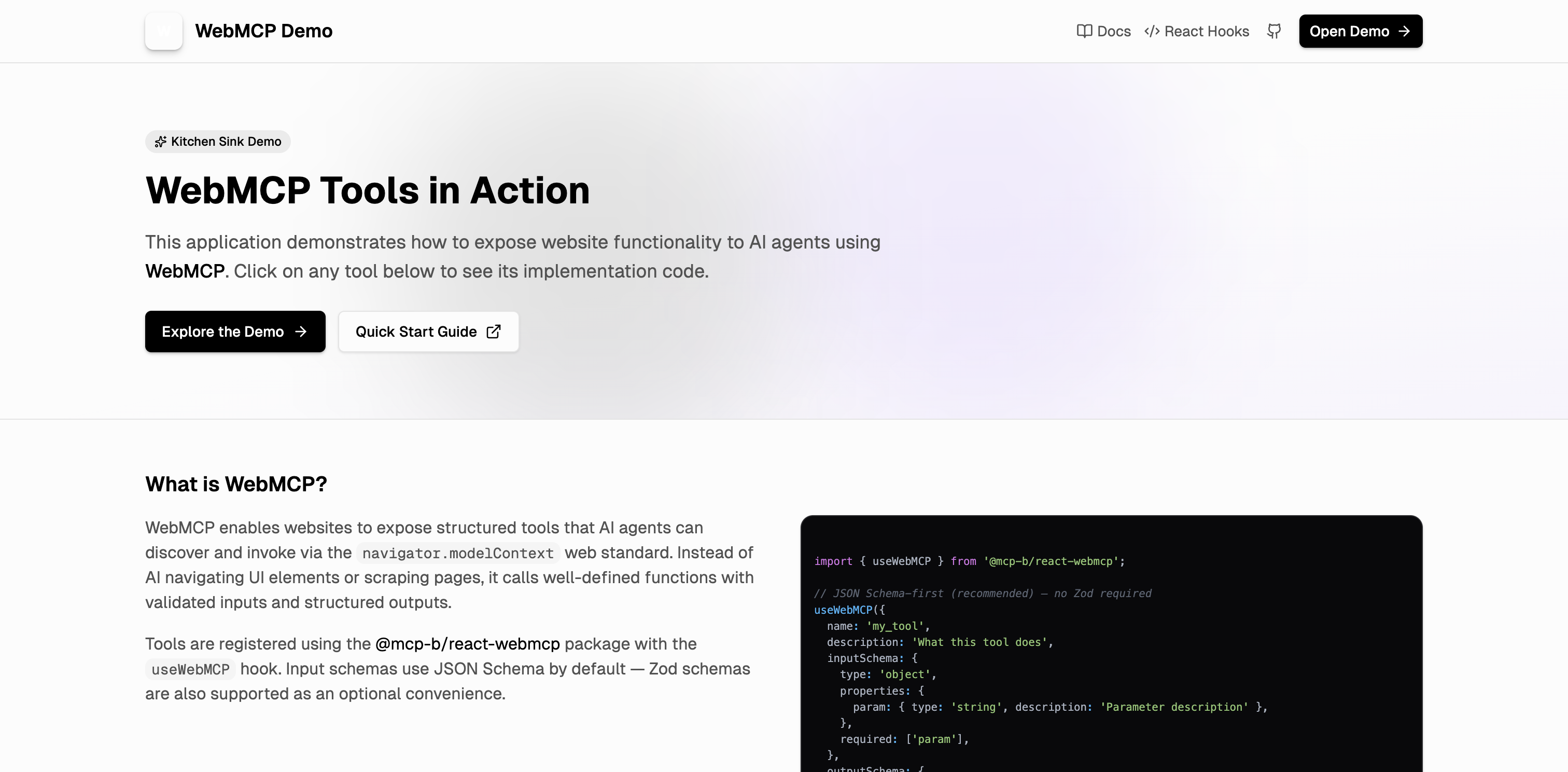
Ask your agent to list sources or tools to confirm the connection is working. Try [webmcp.sh](https://webmcp.sh) as a test target; it registers tools for SQL queries, entity management, navigation, and more.
 ## Use a custom port
The relay defaults to WebSocket port `9333` on `127.0.0.1`. If you need a different port, configure both sides:
**Relay CLI:**
```bash theme={null}
npx @mcp-b/webmcp-local-relay --port 9444
```
**Embed script:**
```html theme={null}
```
## Restrict allowed origins
By default, the relay accepts connections from any browser page (`*`). For production or shared machines, restrict which origins can register tools:
```bash theme={null}
# Single origin
npx @mcp-b/webmcp-local-relay --widget-origin https://myapp.com
# Multiple origins
npx @mcp-b/webmcp-local-relay --widget-origin https://app1.com,https://app2.com
```
The `--widget-origin` flag validates the host page origin reported in the browser handshake. It does not restrict local processes from connecting to the WebSocket.
## Handle multiple MCP clients
If you start a second relay instance while one is already running, the second instance detects the port conflict (`EADDRINUSE`) and falls back to **client mode**. In client mode it connects as a WebSocket client to the existing server relay and proxies tool operations through it.
If the server relay stops, the client promotes itself back to server mode. This lets multiple MCP clients share the same browser connections without manual configuration.
## Troubleshoot common issues
| Problem | Fix |
| ---------------------- | --------------------------------------------------------------------------------------------------------------------------------------------------- |
| `No sources connected` | Confirm the page loaded `embed.js` and the relay process is running |
| `No tools listed` | Confirm tools are registered on the page before `embed.js` loads. If tools register after load, ensure your runtime emits tool-change notifications |
| `Tool not found` | The tab reloaded or disconnected. Call `webmcp_list_tools` to refresh |
| Connection blocked | Verify `--widget-origin` matches your host page origin and the relay port matches `data-relay-port` |
If the relay is temporarily unavailable, the embed widget reconnects automatically with exponential backoff (500 ms to 3 s, up to 100 attempts).
## Related pages
* [Local Relay Reference](/packages/webmcp-local-relay/reference) for the full CLI options and architecture details
* [Transports and Bridges](/explanation/architecture/transports-and-bridges) for how the relay fits into the WebMCP transport layer
* [Desktop Agent Relay Tutorial](/tutorials/desktop-agent-relay) for a step-by-step walkthrough from scratch
## Use a custom port
The relay defaults to WebSocket port `9333` on `127.0.0.1`. If you need a different port, configure both sides:
**Relay CLI:**
```bash theme={null}
npx @mcp-b/webmcp-local-relay --port 9444
```
**Embed script:**
```html theme={null}
```
## Restrict allowed origins
By default, the relay accepts connections from any browser page (`*`). For production or shared machines, restrict which origins can register tools:
```bash theme={null}
# Single origin
npx @mcp-b/webmcp-local-relay --widget-origin https://myapp.com
# Multiple origins
npx @mcp-b/webmcp-local-relay --widget-origin https://app1.com,https://app2.com
```
The `--widget-origin` flag validates the host page origin reported in the browser handshake. It does not restrict local processes from connecting to the WebSocket.
## Handle multiple MCP clients
If you start a second relay instance while one is already running, the second instance detects the port conflict (`EADDRINUSE`) and falls back to **client mode**. In client mode it connects as a WebSocket client to the existing server relay and proxies tool operations through it.
If the server relay stops, the client promotes itself back to server mode. This lets multiple MCP clients share the same browser connections without manual configuration.
## Troubleshoot common issues
| Problem | Fix |
| ---------------------- | --------------------------------------------------------------------------------------------------------------------------------------------------- |
| `No sources connected` | Confirm the page loaded `embed.js` and the relay process is running |
| `No tools listed` | Confirm tools are registered on the page before `embed.js` loads. If tools register after load, ensure your runtime emits tool-change notifications |
| `Tool not found` | The tab reloaded or disconnected. Call `webmcp_list_tools` to refresh |
| Connection blocked | Verify `--widget-origin` matches your host page origin and the relay port matches `data-relay-port` |
If the relay is temporarily unavailable, the embed widget reconnects automatically with exponential backoff (500 ms to 3 s, up to 100 attempts).
## Related pages
* [Local Relay Reference](/packages/webmcp-local-relay/reference) for the full CLI options and architecture details
* [Transports and Bridges](/explanation/architecture/transports-and-bridges) for how the relay fits into the WebMCP transport layer
* [Desktop Agent Relay Tutorial](/tutorials/desktop-agent-relay) for a step-by-step walkthrough from scratch